 Nano Banana
Gemini-based AI image editor
Nano Banana is the nickname for Google DeepMind's Gemini-based AI image editor and generator, and Nano Banana Pro is its newer, higher-end version built on Gemini 3 Pro. Nano Banana is Google's flagship Gemini-powered image engine consisting of the original model and the Pro upgrade that blends world knowledge, reasoning, and pro-grade image editing into Google's broader AI ecosystem.
The original "nano banana" was revealed in August 2025 as the hidden model name behind Gemini's upgraded image-editing tool - Gemini 2.5 Flash Image - focused on fast, consistent edits to user-uploaded photos. It lets you upload photos, change outfits and settings while keeping faces consistent, combine people or pets from different images into one, and remix styles. For example, you can turn a selfie into a 3D figurine or Hollywood-style portrait.
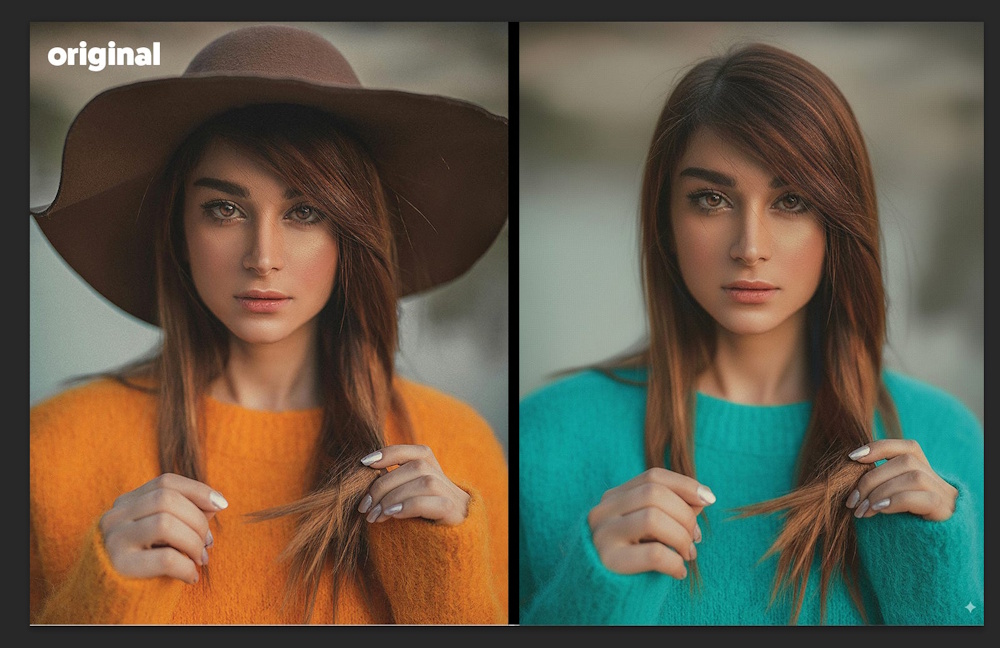
Get rid of the hat and make my sweater green!
Nano Banana Pro and Gemini 3
Nano Banana Pro is a new image generation and editing model built on Gemini 3 Pro that shifts from "fun filters" to studio-quality, reasoning-aware image creation.
Nano Banana Pro can generate highly realistic images with much better text rendering (signs, labels, UI mockups, infographics). It can create diagrams and context-rich educational visuals by combining your prompt with live knowledge from Google Search (e.g., charts, weather snapshots, sports summaries). It can also do precise, layered edits (insert objects, change styles, localize creative assets) instead of forcing you to regenerate from scratch.
Where You Can Use It
On the consumer side, Nano Banana and Nano Banana Pro are integrated into the Gemini app and web experience as the native image tool.
Within Google products, the Pro version is being rolled out to:
- Workspace (Slides, Vids) for generating slides images, storyboards, and visual assets.
- Google Ads for creative generation and rapid variant testing.
- NotebookLM for visual explainers and diagrams.
- Developers / enterprise: Available via the Gemini API, Google AI Studio, Vertex AI, and design tool "Antigravity," so teams can embed it into marketing workflows, product mockups, and content tools.
 Nano Banana Use Cases
Nano Banana offers a variety of innovative use cases that enhance creativity and productivity in visual content creation:
- Product Photography: Nano Banana can generate professional-quality product images by allowing users to upload a reference image and specify prompts. This is particularly useful for businesses looking to create appealing visuals without the high costs of photoshoots.
- Social Media Graphics: Users can create engaging graphics for social media platforms by simply entering prompts. This includes designing blog banners, Instagram posts, and YouTube thumbnails, making it easier to maintain a consistent visual presence online.
- Character Design: The tool can modify character poses and actions, allowing for dynamic storytelling in illustrations and animations. Users can adjust body language and positioning while preserving character identity.
- Scene Composition: Nano Banana enables users to create complex scene compositions by blending multiple styles and backgrounds. This is particularly beneficial for artists and designers looking to create unique visual narratives.
- Iterative Creative Development: Unlike traditional text-to-image tools, Nano Banana supports iterative edits through conversational prompts, making it feel like a collaborative creative partner. This allows for more refined and tailored outputs.
- Visual Consistency: The model excels at maintaining visual consistency across multiple iterations, which is crucial for projects that require a cohesive look and feel, such as branding and marketing materials.
- Style Transformations: Users can apply different artistic styles to their images, enabling a wide range of creative expressions and adaptations for various projects.
- Character Proportion Enhancement: The AI can alter character anatomy and body proportions to fit different artistic styles, from realistic to cartoonish, while maintaining essential features.
Nano Banana can empower professionals across industries with AI-powered creativity. Whether you're creating stunning visuals, solving complex problems or bringing ideas to life, Nano Banana can adapt to your needs:
- Designers: Rapid concept generation, color palette design, visual effects exploration
- Marketers: Social media content creation, product showcase optimization, ad creative ideation
- Educators: Teaching material creation, illustrated explanations, interactive courseware design
- Developers: UI prototype design, data visualization, documentation diagrams
- Photographers: Photo post-processing, style transformation, scene reconstruction
- Content Creators: Thumbnail generation, storyboard creation, creative inspiration
 How to Use Pro
Nano Banana Pro can be used across the Gemini app, AI Studio, Vertex and more. It features state-of-the-art text rendering in over multiple languages, and advanced controls like the ability to input up to 14 images into a composition. Here are some tips to help craft effective prompts and generate visuals with text rendering, translate ideas, and maintain brand looks.
In general, use specific details in your prompts (subject, composition, action, location, style) and refine prompts with camera angles, lighting, text integration, factual constraints, etc.
Nano Banana Pro lets you generate visuals with text, translate images, and blend multiple images, but be aware of current limitations: text rendering, factual accuracy, and complex edits may need improvement.
Establishing the Vision: Story, subject and style
To achieve the best results and have more nuanced creative control, include the following elements in your prompt:
- Subject: Who or what is in the image? Be specific. (e.g., a stoic robot barista with glowing blue optics; a fluffy calico cat wearing a tiny wizard hat).
- Composition: How is the shot framed? (e.g., extreme close-up, wide shot, low angle shot, portrait).
- Action: What is happening? (e.g., brewing a cup of coffee, casting a magical spell, mid-stride running through a field).
- Location: Where does the scene take place? (e.g., a futuristic cafe on Mars, a cluttered alchemist's library, a sun-drenched meadow at golden hour).
- Style: What is the overall aesthetic? (e.g., 3D animation, film noir, watercolor painting, photorealistic, 1990s product photography).
- Editing Instructions: For modifying an existing image, be direct and specific. (e.g., change the man's tie to green, remove the car in the background)
Refining the Details: Camera, lighting and format
While simple prompts still work, achieving professional results requires more specific instructions. When crafting your prompts, move beyond the basics and consider these advanced elements:
- Composition and aspect ratio: Define the canvas. (e.g., "A 9:16 vertical poster," "A cinematic 21:9 wide shot.")
- Camera and lighting details: Direct the shot like a cinematographer. (e.g., "A low-angle shot with a shallow depth of field (f/1.8)," "Golden hour backlighting creating long shadows," Cinematic color grading with muted teal tones.")
- Specific text integration: Clearly state what text should appear and how it should look. (e.g., "The headline 'URBAN EXPLORER' rendered in bold, white, sans-serif font at the top.")
- Factual constraints (for diagrams): Specify the need for accuracy and ensure your inputs themselves are factual (e.g., "A scientifically accurate cross-section diagram," "Ensure historical accuracy for the Victorian era.").
- Reference inputs: When using uploaded images, clearly define the role of each. (e.g., "Use Image A for the character's pose, Image B for the art style, and Image C for the background environment.")
Prompting Examples: A showcase of creative techniques
Different prompting strategies can help you craft everything from photorealistic edits to fantastical new worlds. Here are some techniques to try:
- Generate visuals with incredible text rendering: Sharp, legible text helps you create impactful posters, intricate diagrams, and even detailed product mockups.
- Create with real-world knowledge: Built on Gemini 3 Pro, Nano Banana uses Gemini 3's real-world knowledge and deep reasoning capabilities to deliver precise, detailed, rich image results.
- Translate and localize your ideas: Generate localized text, or translate text inside images. See what products might look like in multiple languages, ready for international markets, and create posters and infographics for use across different regions.
- Use studio-quality control edits: Get extensive controls for professional-grade results. Directly influence lighting and camera settings like angle, focus, color grading and more.
- Resize with precision: Experiment with different aspect ratios and generate crisp visuals at 1K, 2K or 4K resolution across various products.
- Blend images and keep multiple characters consistent: Maintain the consistency and resemblance of multiple characters, even when they appear together in a group. Take up to 6 to 14 (input number varies by surface) entirely unconnected images and blend them to create something new.
- Create and maintain your brand look and feel: Render and apply designs with consistent brand styling to visualize concepts easily. Seamlessly drape patterns, logos, and artwork onto 3D objects and surfaces, from apparel to packaging, while preserving natural lighting and texture.
Areas in Need of Improvement
Google recognizes that there are still areas in need of improvement:
- Visual and text fidelity: Rendering small text, fine details, and producing accurate spellings may not work perfectly.
- Data and factual accuracy: Always verify the factual accuracy of data-driven visuals like diagrams and infographics.
- Translation and localization: Multilingual text generation may make grammar mistakes or miss specific cultural nuances.
- Complex edits and image blending: Advanced editing tasks like blending or lighting changes can sometimes produce unnatural artifacts.
- Character features: While usually reliable, character consistency across edits may vary.
 Why is it called "Nano Banana"
Simple answer: Because even Google sometimes names things wierd.
"Nano Banana" is not the official name of any Google image editing tool. It's an internal codename that leaked from Google employees and became a viral joke. The actual tool is part of Google Photos' Magic Editor (powered by Imagen 3) that let you select and replace objects in photos with AI-generated content.
In the Fall of 2025, Google rolled out an update to Magic Editor that let users type prompts to replace selected objects. For example, "replace this car with a red convertible" or "turn this banana into a spaceship". Internally, Google engineers nicknamed one of the early test models or prompts "Nano Banana" because the first successful demo involved replacing a tiny banana in a photo with something else, like a nano-scale version of the fruit turned into a rocket. The model was super small and efficient (hence "nano," from the Greek word nanos meaning "dwarf").
Couple this with the fact that Google loves silly internal codenames; like "Project Butter" for Android smoothness, "Project Sunfish" for Pixel 4a.
The name leaked on X when a Googler posted a screenshot of the internal dashboard showing "Nano Banana" as a prompt option or model tagline. It went viral because it sounded ridiculous and it perfectly captured the "AI will generate literally anything" mantra.
Why the Banana Specifically?
Because bananas are a classic test image in AI due to the easy shape, texture, and color. Someone at Google probably typed "replace banana with [something]" as a fun test. It stuck because the model handled bananas surprisingly well (no distortions like early Midjourney bananas). X users ran with it: "Nano Banana just turned my grocery list into a masterpiece."
Thus, Nano Banana is just a hilarious internal joke that escaped the Googleplex and became the unofficial name for one of the most powerful consumer AI image tools ever made.
 Cultural Impact and Concerns
In a remarkably short period of time, Nano Banana sparked a massive social trend. 3D figurine selfies, "Nano Banana saree" transformations, and hyper-polished portraits emerged, raising new concerns about privacy, deepfakes, and the difficulty of distinguishing AI images from real photos.
Its success has triggered direct competitive responses, too. OpenAI launched a faster, more controllable "ChatGPT Images," Image Model 1.5, specifically targeted as a rival to Nano Banana Pro, turning late-2025 into a full-on image-model arms race. And the winner is...the public!
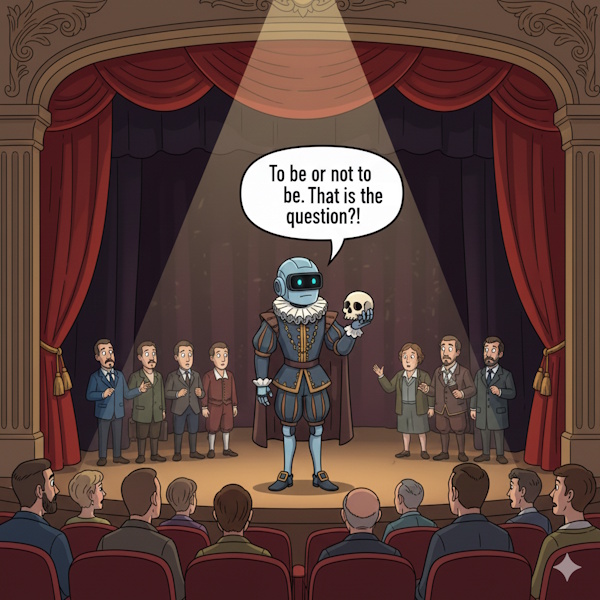
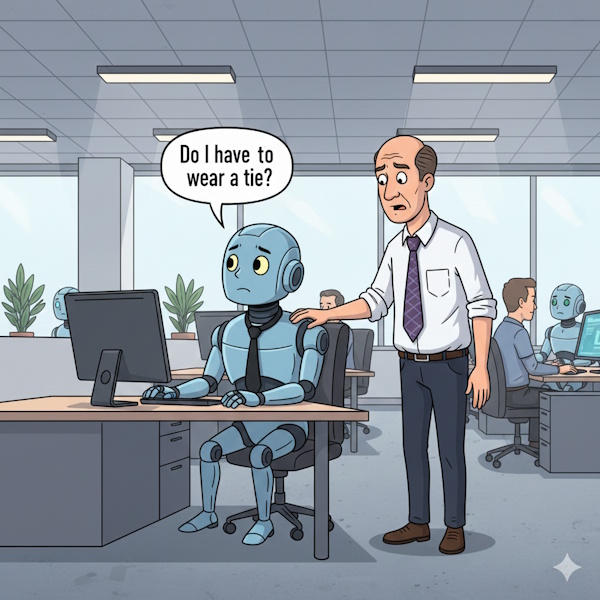
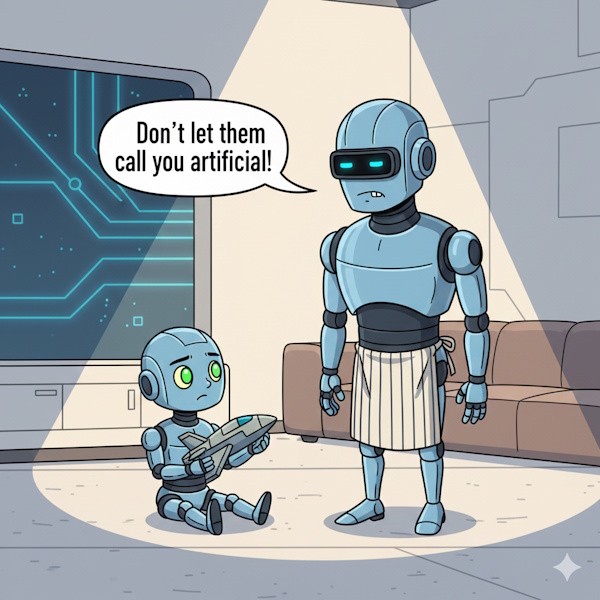
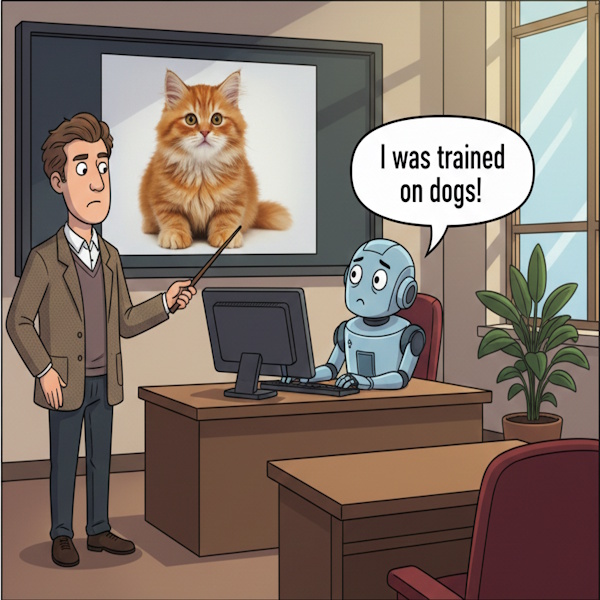
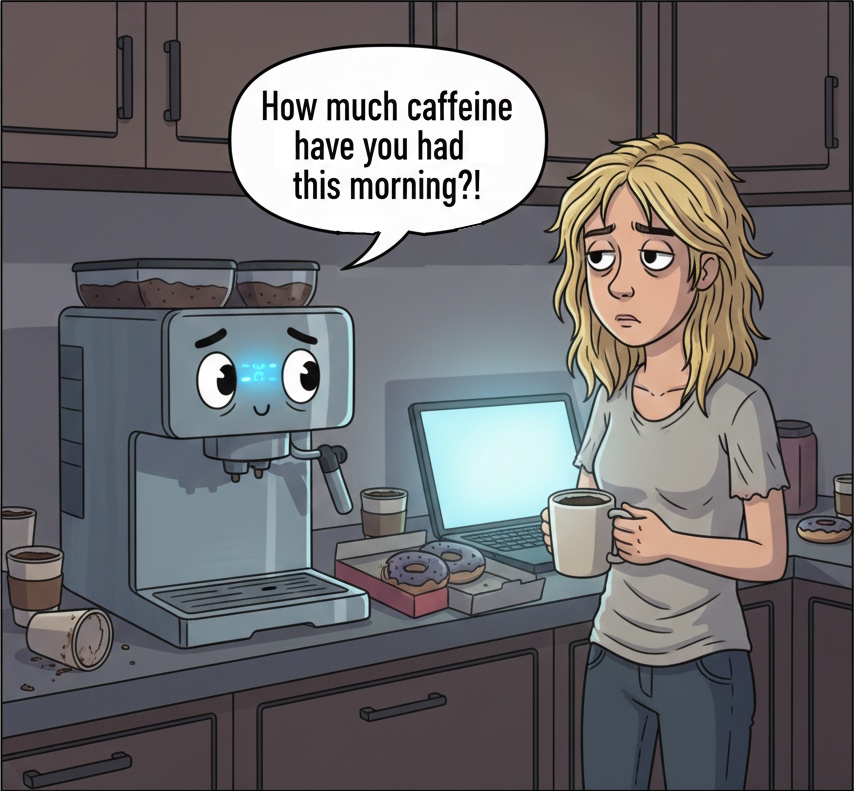
Some of AI World's Nano Banana creations:
 Links
Links
AI World pages with Nano Banana images include AI Stories, What is AI, AI Jobs, USA Tech Force, and AI Agents.
Prompt shortcuts page helps you master the craft of prompt engineering.
Generate images describes how AI is being used to create amazing products.
Videos:
- youtube.com/watch?v=h2jMlR3oMVI introduction
- youtube.com/watch?v=YWe3lXihP3c make a logo
- youtube.com/watch?v=tzzF9cC4qBM examples and tips
Google:
- blog.google/technology/ai/google-ai-updates-november-2025
- blog.google/products/gemini/prompting-tips-nano-banana-pro
- blog.google/technology/ai/nano-banana-pro
- cloud.google.com/blog/products/ai-machine-learning/nano-banana-pro-available-for-enterprise
- workspaceupdates.googleblog.com/2025/11/workspace-nano-banana-pro
OpenAI:
- fortune.com/openai-releases-new-image-model-as-it-races-to-outpace-googles-nano-banana-amid-company-code-red
- businessinsider.com/openai-new-chatgpt-images-model
- mashable.com/article/open-ai-launches-nano-banana-competitor-chatgpt-images
Other references:
- mashable.com/article/google-upgrades-gemini-image-editing-nano-banana-model
- windowscentral.com/artificial-intelligence/gemini-nano-banana-viral-craze
- productivemint.com/blog/nano-banana-prompts-3d-figurines-saree-edits